Brand & insights
Make it yours, and see how it is going
Give your booking page your own logo, colours and words, then watch the results on the Insights page: covers, calls, takeaway revenue and your busiest hours.
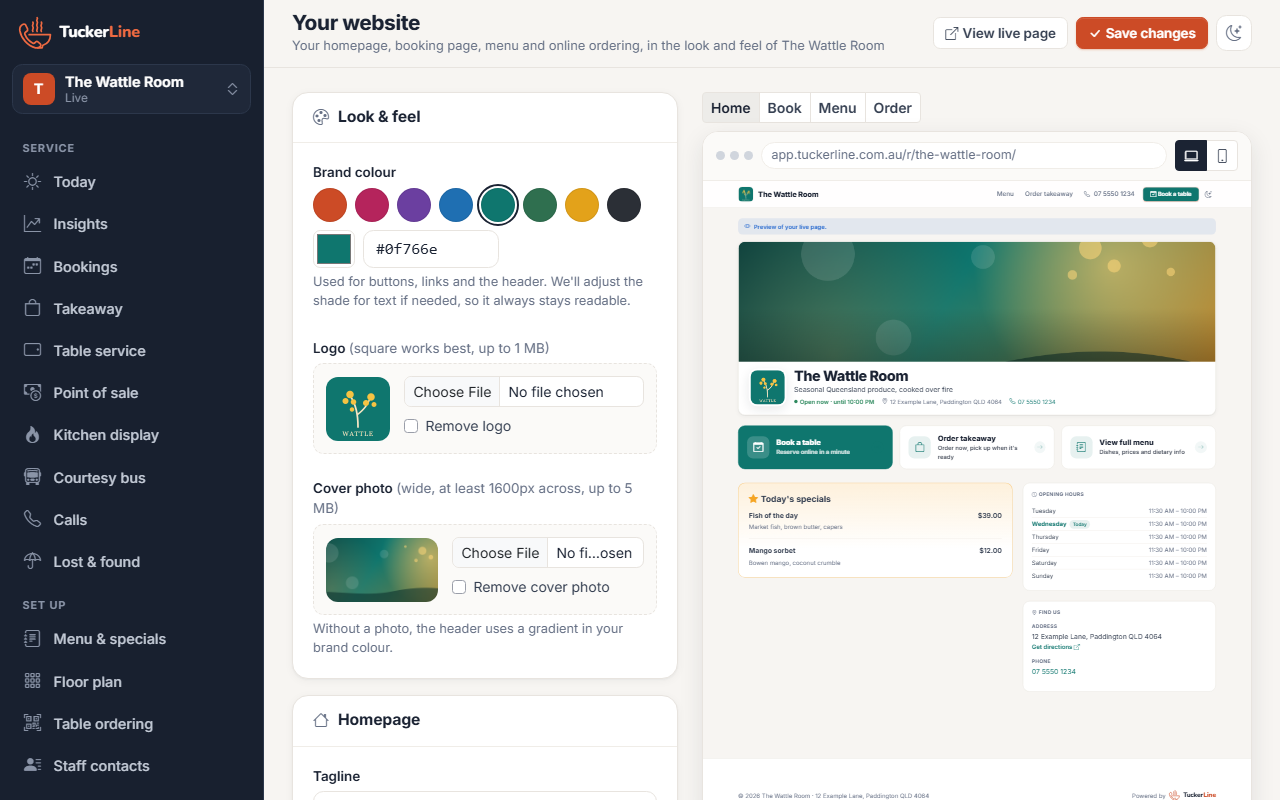
- Logo, cover photo and brand colour
- Live preview as you edit
- Trends over 7, 30 or 90 days
- Several venues, one login
A booking page that looks like you
Upload your logo and a cover photo, pick a brand colour, and write your own welcome, booking policy and confirmation message. The preview updates as you type, on desktop and phone.
- Colours adjusted automatically so text stays readable
- Show or hide opening hours, specials and menu
- Set the largest group and how far ahead guests can book
What your guests see
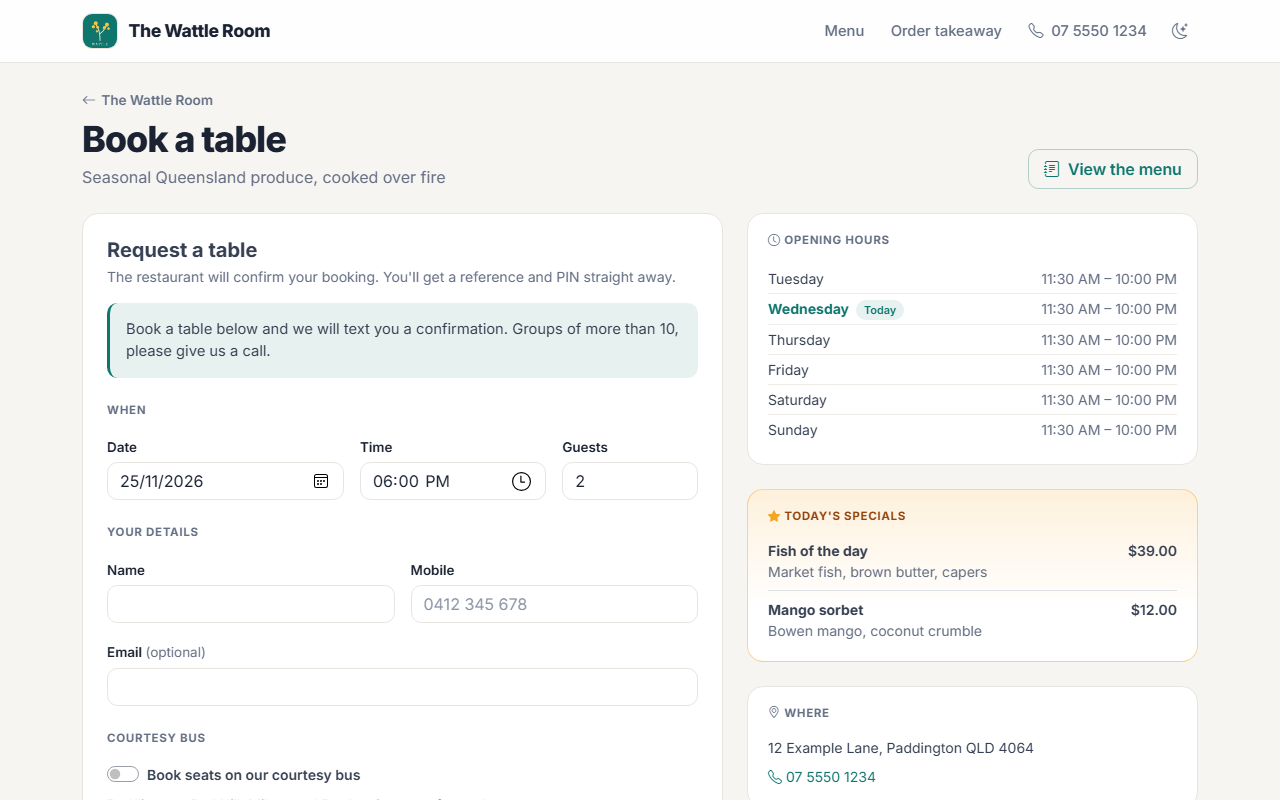
Your branded page works on any phone. Guests choose a time, add any notes, and get their reference by text.
- Your logo, cover and colours
- Welcome message and booking policy
- Your own message on the confirmation page
Insights that answer real questions
Which nights are busiest? How many calls turn into bookings? Where do bookings come from? The Insights page charts it over the last 7, 30 or 90 days.
- Covers by day, split by booking source
- Calls and how many became orders
- Busiest hours heatmap and takeaway revenue
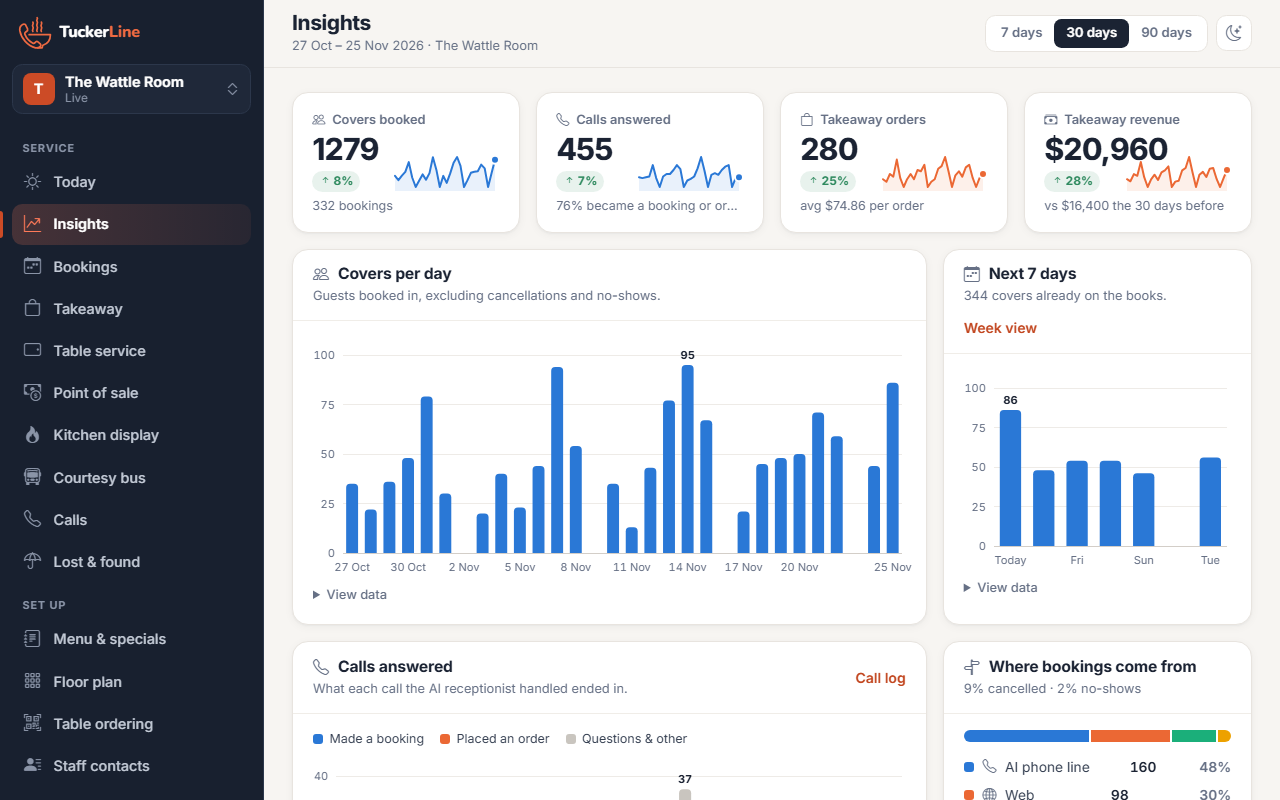
Screenshots show a sample venue with made-up data.
Run a restaurant? Put TuckerLine on your phone line.
- Set your opening hours, tables and menu in minutes
- Brand your booking page with your logo, photo and colours
- Connect your phone number and start answering calls
- Add more venues and switch between them from one login
- Local support from our team in Brisbane