Bookings & tables
Fill every table without the juggling
Bookings from the phone, your booking page and the front desk all land in one schedule. TuckerLine puts each one on a suitable table, and your team can move things around with a drag.
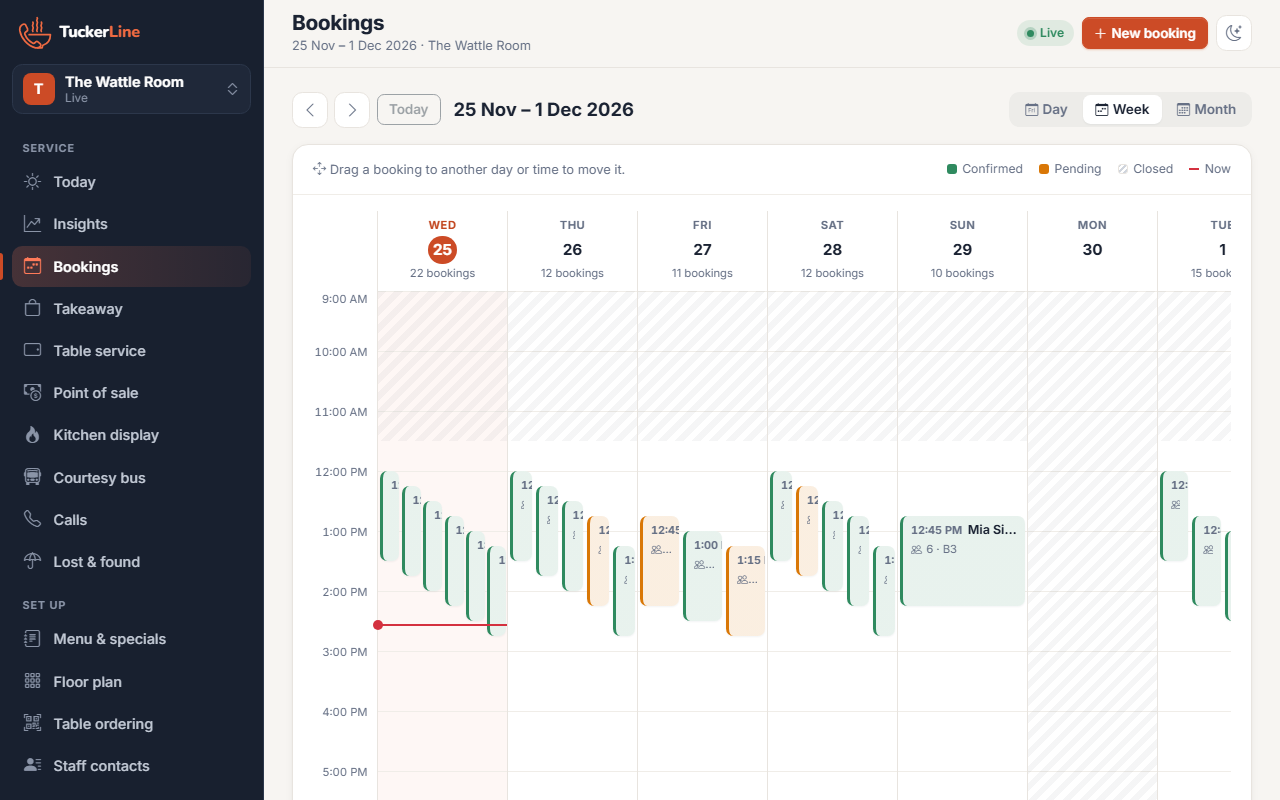
- Automatic table allocation
- Drag and drop to move bookings
- SMS confirmations with a reference
- Your own online booking page
Today's service at a glance
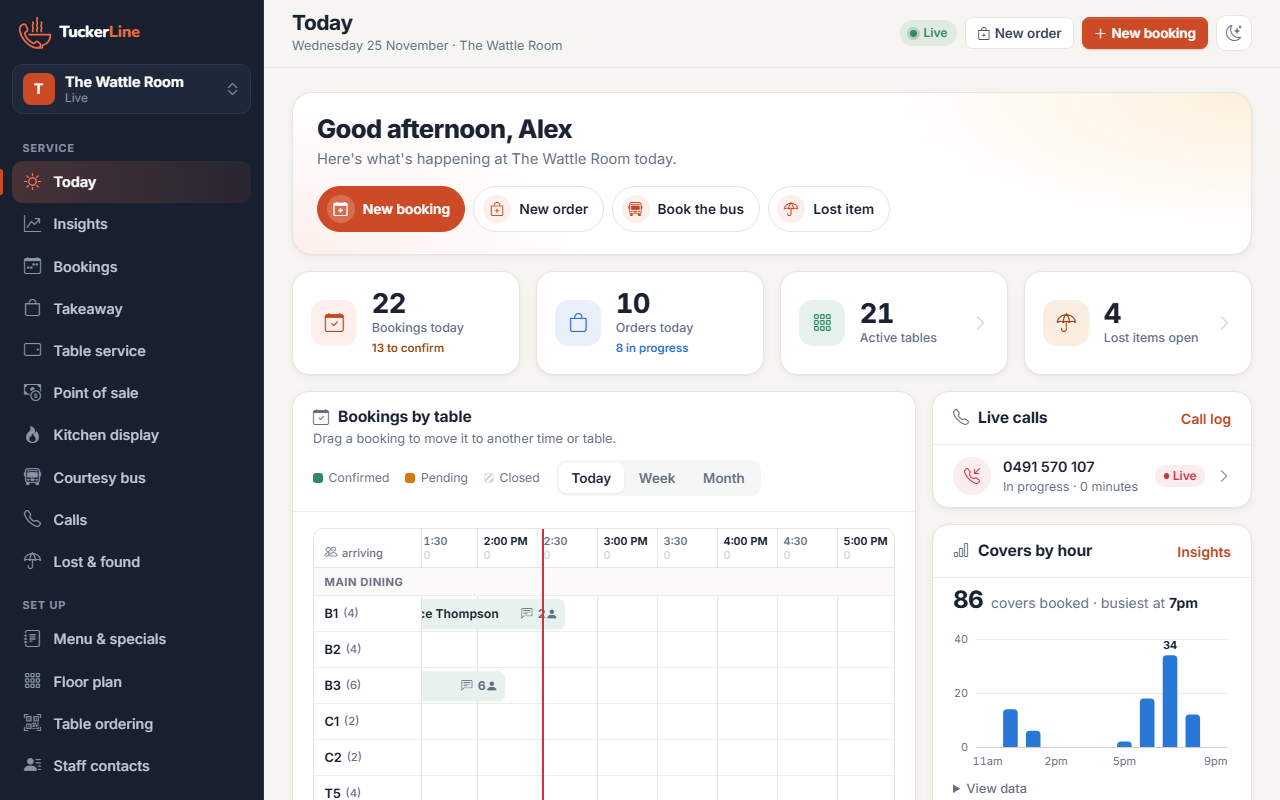
The Today view shows every booking by table, covers by hour, calls in progress and new orders. It updates on its own, so the front desk is never working from an old printout.
- Bookings by table, hour by hour
- Covers by hour, so you can staff the rush
- Confirm pending bookings in one click
Your floor plan, drawn your way
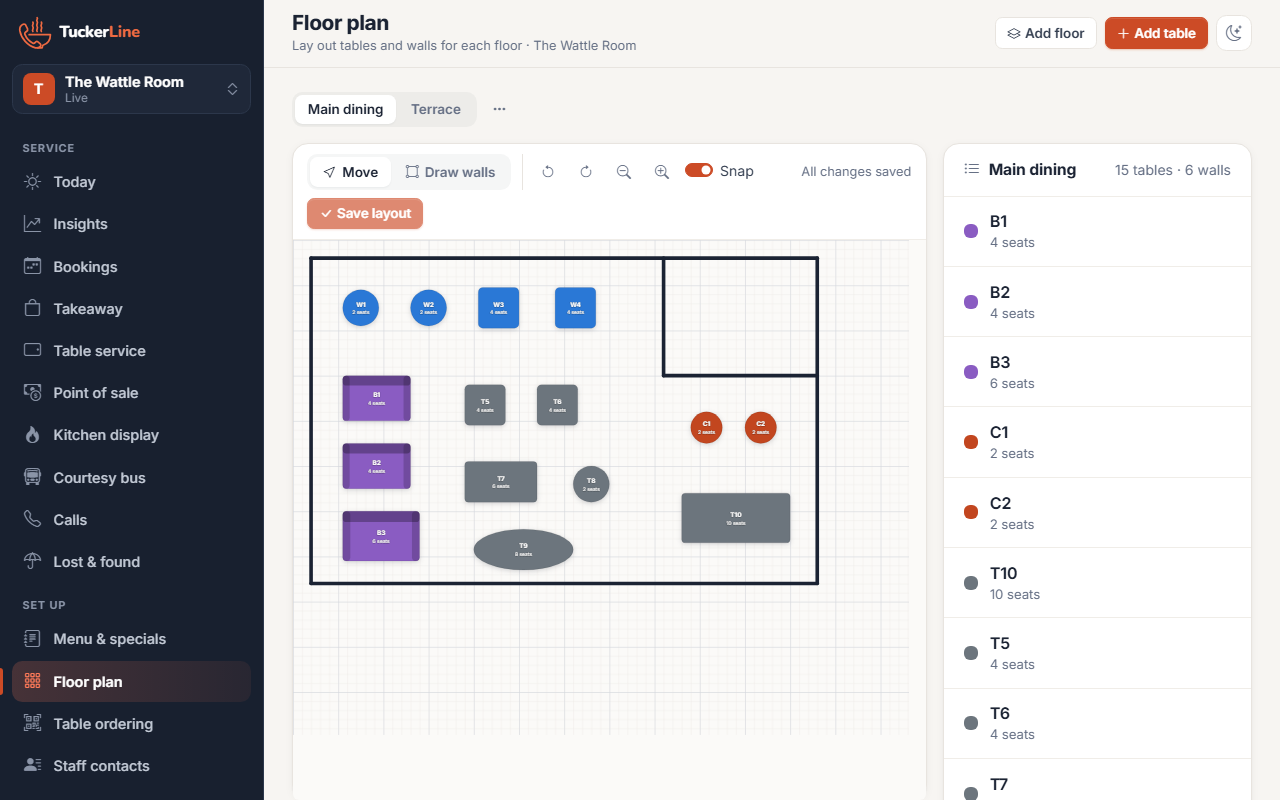
Lay out tables, booths and walls for every floor or area. Table sizes and shapes feed straight into allocation, so a group of eight never lands on a two-top.
- Round, square, rectangle, oval and booth tables
- Walls and multiple floors
- Snap to grid, undo and redo
Guests book online, too
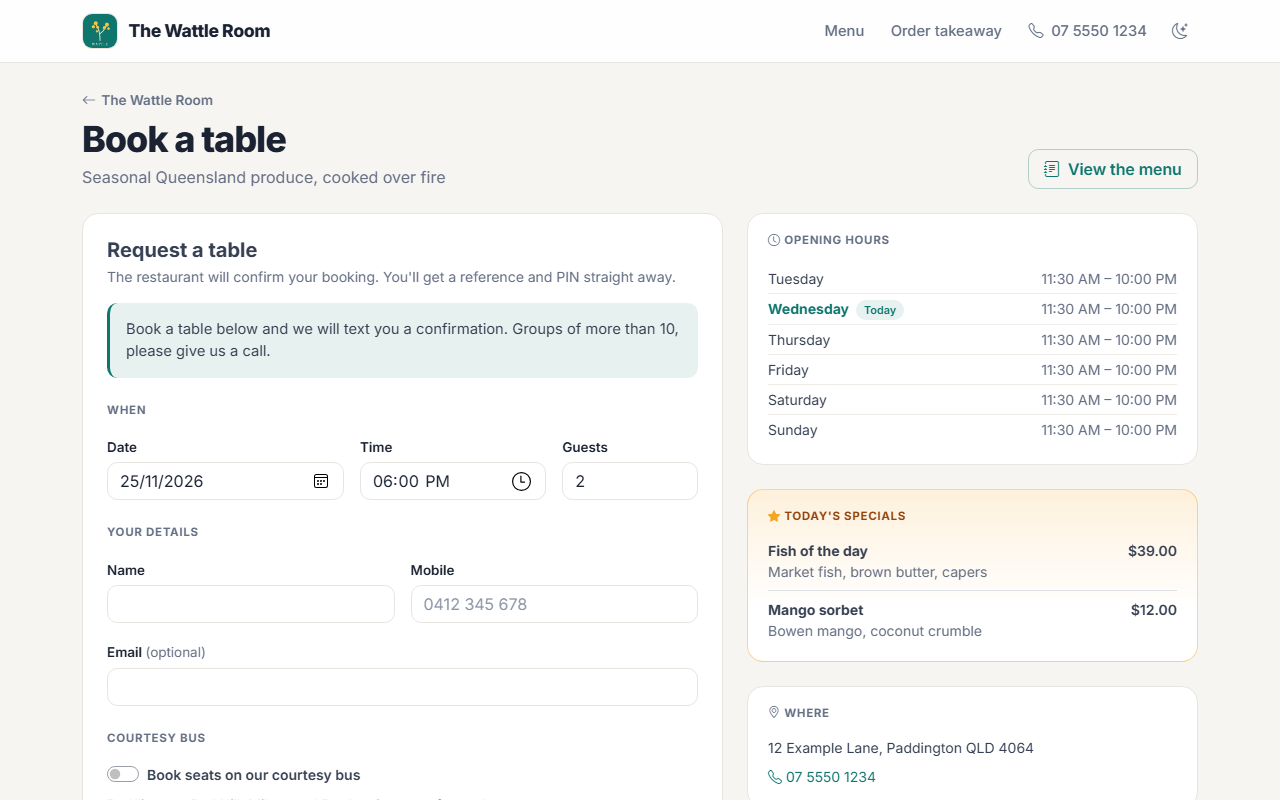
Every venue gets a booking page with your logo, colours and words. Guests pick a time, get a reference by text, and the booking appears on your schedule straight away.
- Party-size and booking-window limits
- Your opening hours, specials and menu
- No account needed for guests
Screenshots show a sample venue with made-up data.
Run a restaurant? Put TuckerLine on your phone line.
- Set your opening hours, tables and menu in minutes
- Brand your booking page with your logo, photo and colours
- Connect your phone number and start answering calls
- Add more venues and switch between them from one login
- Local support from our team in Brisbane